A timesheet that speaks Unit4.
If you live in Unit4, you already know the timesheet. Kindric Time is the week you worked, on a canvas you control, and a submit button that lands the week in Unit4. Status comes back on the same screen.
Paint your week.
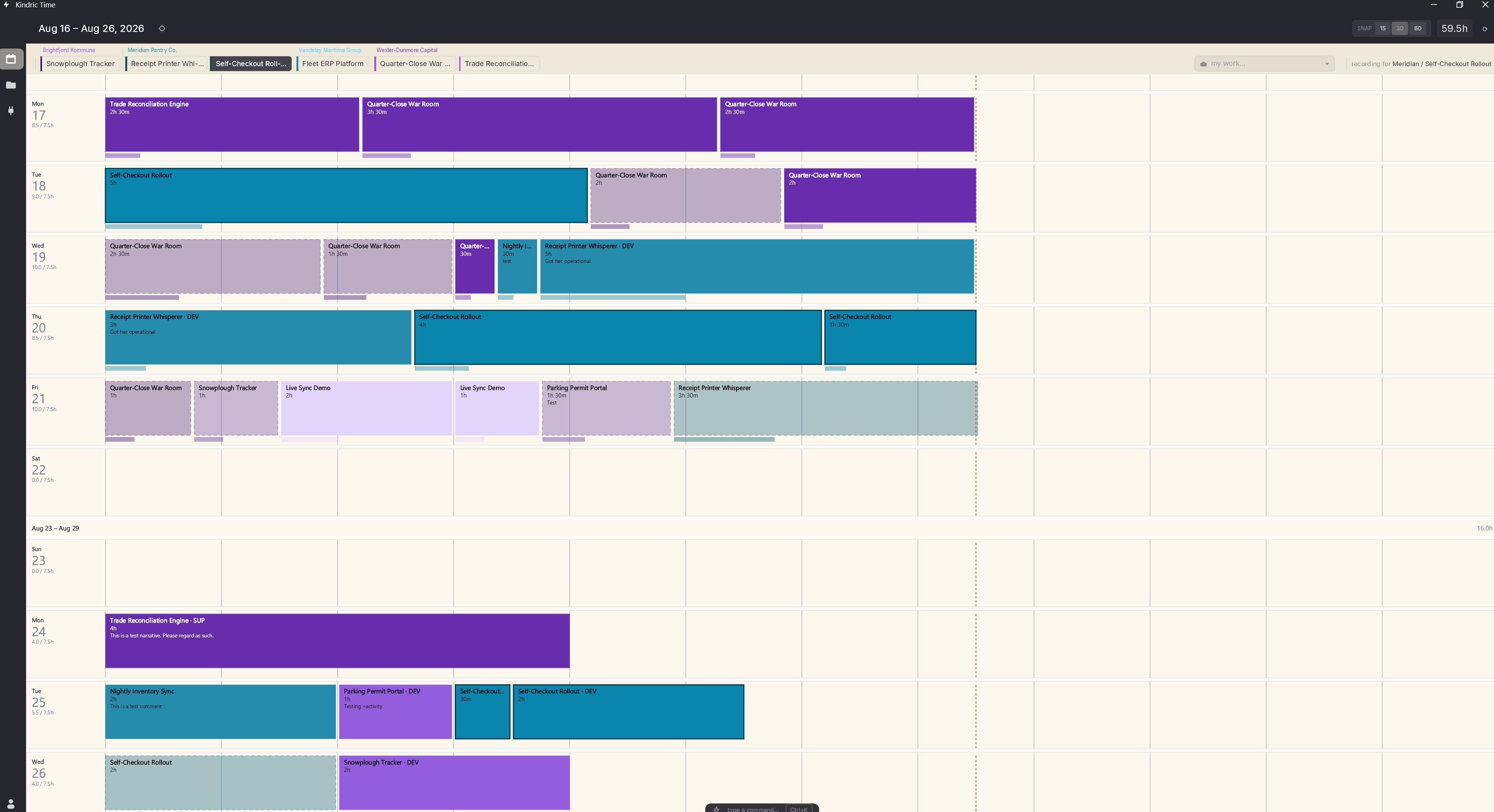
This is the week as you worked it, not the form Unit4 makes you fill in. A block is a piece of work. Drag to create it, drag to move it, pull an edge if the meeting ran long. Your favorite projects and work orders live just above the grid. The color is the project. You can read Friday from across the room.
Dragging is a drag? Type it.
Add a line by project or by work order. If Unit4 only requires a project and a time code, so does Kindric Time. The rest stays optional. You type it, or your model does. Same verbs. Same log, so nobody has to guess who did what.
An illustration of the palette, not a screenshot. The > and = prefixes are optional for humans, required for models.
Bring the model you know and trust.
Claude, ChatGPT, Grok, something local. Kindric Time does not wrap it in a second product or a private database. Ask it how Friday looked. Ask it to put an hour and a half on Parking Permit Portal for Tuesday. It speaks the palette. Every command is written down. That's the audit trail, not a feature bolted on afterwards.
- You
- log an hour and a half on Parking Permit Portal for Tuesday
- The model
- add parking-permit tue 1h30m
- The log
- accepted · 40221 · Tue Aug 18 · 1h 30m
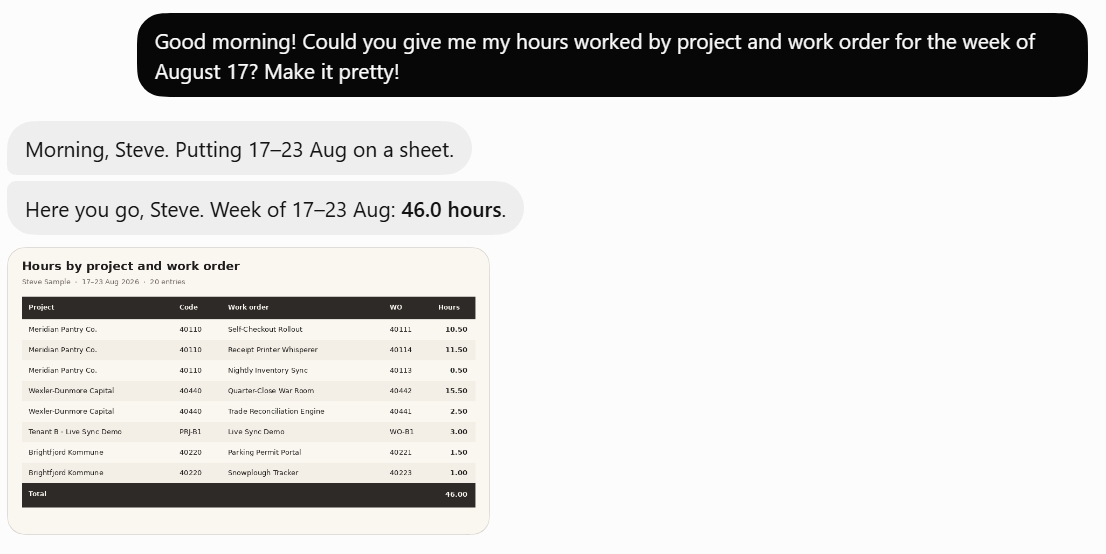
You paint the week in Kindric Time. Unit4 receives it when you're ready.
Connect to ERP7 or ERPx with the Unit4 login you already use. Projects, work orders, and everything else you need to track your day come down from Unit4, so you're not retyping them. A week you have validated goes up. If the two fall out of step, it shows up on the canvas, not in someone's inbox two weeks later.
Unit4's "no" is useful if you see it before you submit.
Unit4 can reject a week for many reasons, and that "no" is useful if you see it this Tuesday and not next Tuesday. Kindric Time flags the likely rejections so you can fix them before you submit. A deeper issue will bring back a reason from Unit4 so you're not guessing. If the week has to be complete before it can go for approval, we check that first.
Project, work order, activity, whatever your Unit4 requires.
Time codes are whatever is in Unit4, not a coin flip between normal and overtime. Approval follows Unit4's approval period, the same one your work schedule already lives on.
A desktop build and a web build. Same week, same data. Open whichever is in front of you.
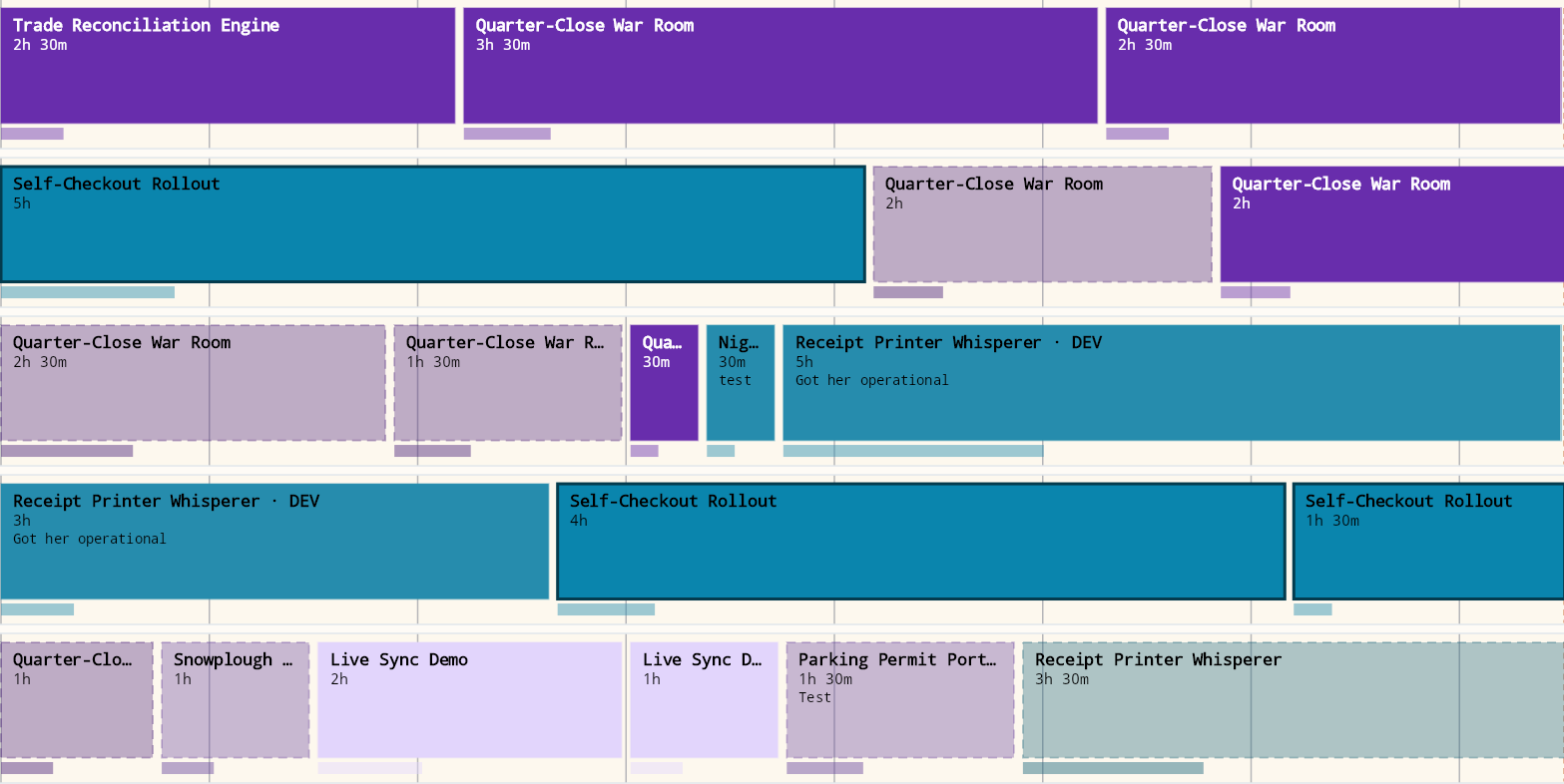
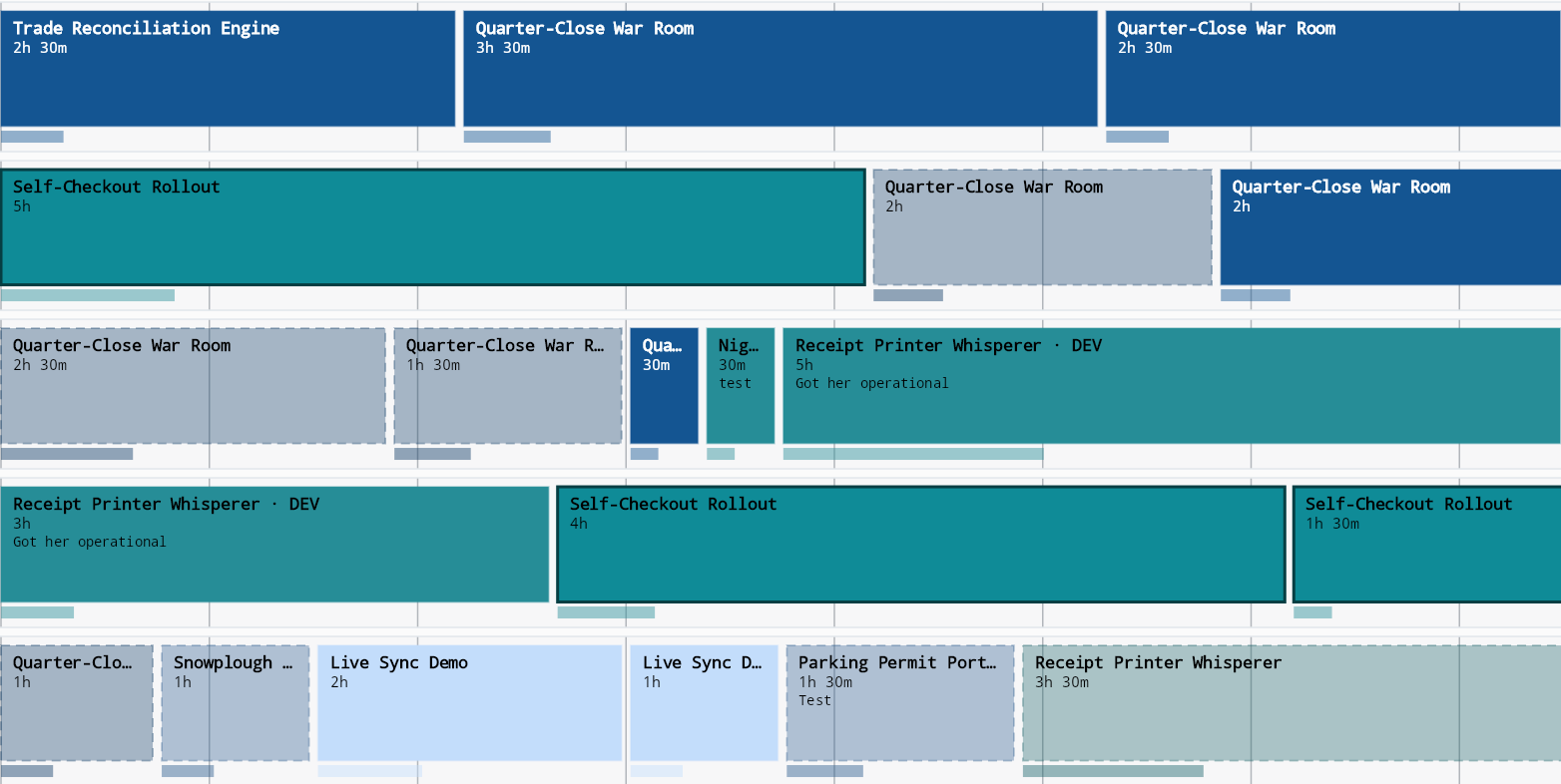
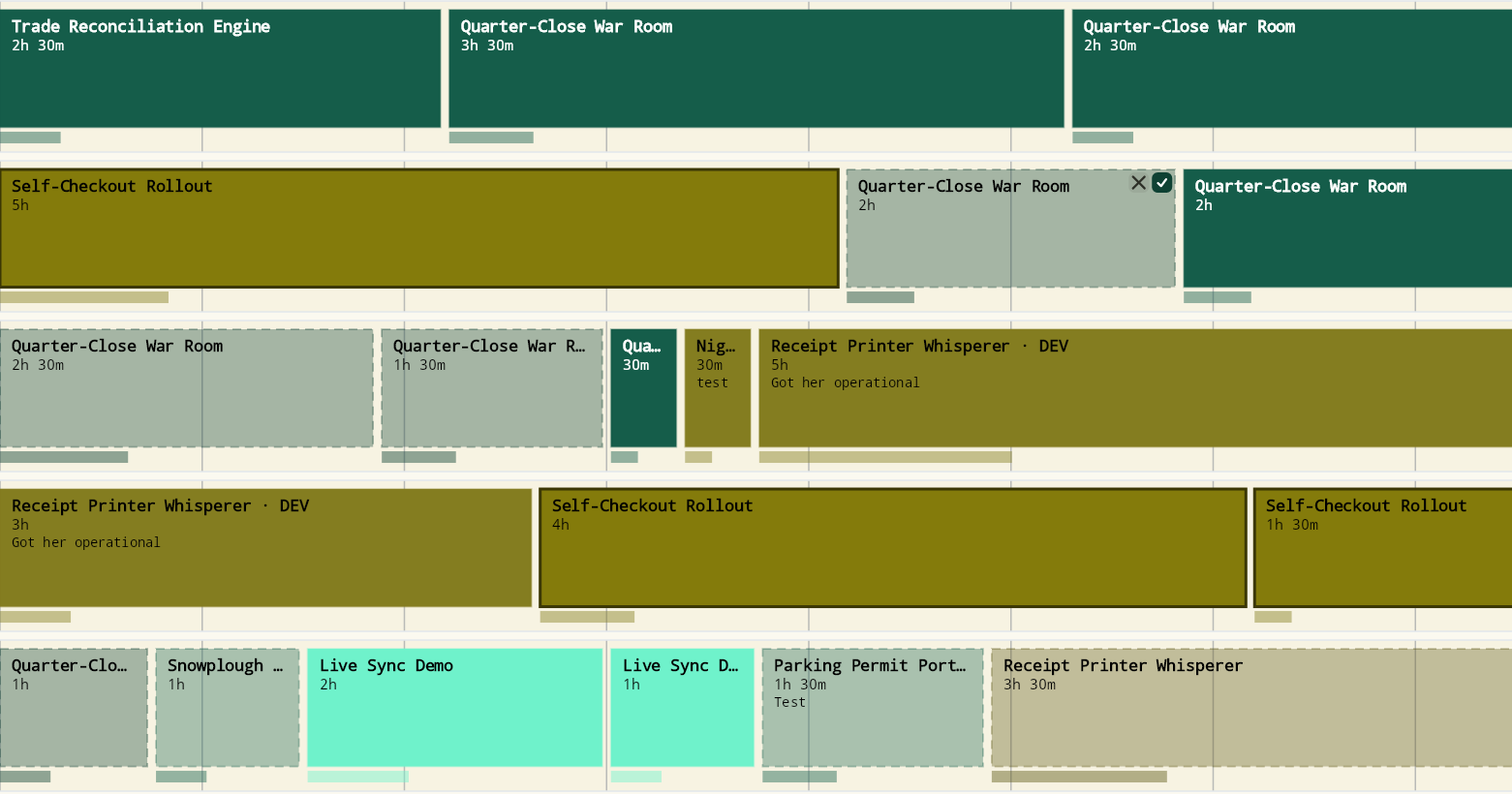
Bold, Nordic, Sage, each in light and dark, with more on the way.
Pick the one that looks like your office. The week stays the week.